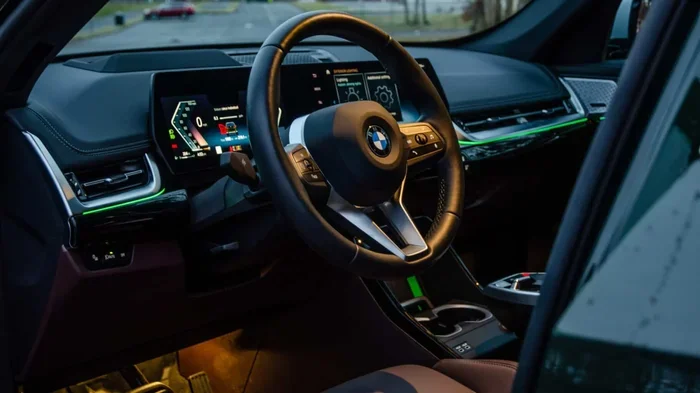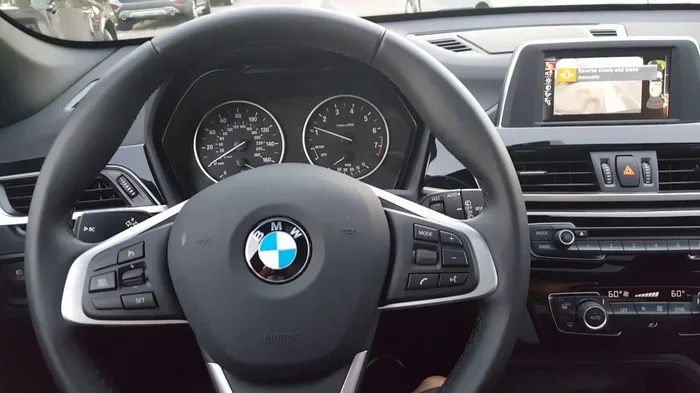
Featured image for BMW X1 parking assist
Image source: i.ytimg.com
How to park BMW X1 is simple when you use the built‑in parking sensors, rear view camera, and optional parking assist plus. This guide walks you through each step, from preparing the car to engaging the parking brake, so you can park confidently in any spot.
Parking a BMW X1 can feel tricky at first, but the car’s technology makes it easy. This article explains how to park BMW X1 using the standard parking sensors, the rear view camera, and the optional parking assist plus. You will learn the exact steps for parallel parking, perpendicular parking, and using the parking brake.
We also cover the differences between trim levels, common mistakes, and quick tips that save time. By the end you will feel confident in any parking lot, garage, or street side space.
Key Takeaways
- Use parking sensors and cameras: They give real‑time distance alerts and a clear view of obstacles.
- Activate parking assist plus: The system can steer the car into parallel or perpendicular spaces automatically.
- Engage the parking brake every time: It prevents roll‑away on slopes.
- Practice in an empty lot first: Build muscle memory before tackling tight city streets.
- Keep sensors clean: Dirt or ice can cause false alerts.
- Know your trim’s features: Higher trims add surround view and remote parking.
- Schedule regular service: Calibration keeps the parking system accurate.
📑 Table of Contents
How to Park BMW X1: Step-by-Step Guide
Prepare Before You Park
Before you enter a spot, check your mirrors and blind spots. Turn on the parking sensors by pressing the button on the center console. The system will beep when you get close to an object. Make sure the rear view camera is clean for a clear picture.
Use Parking Sensors and Cameras
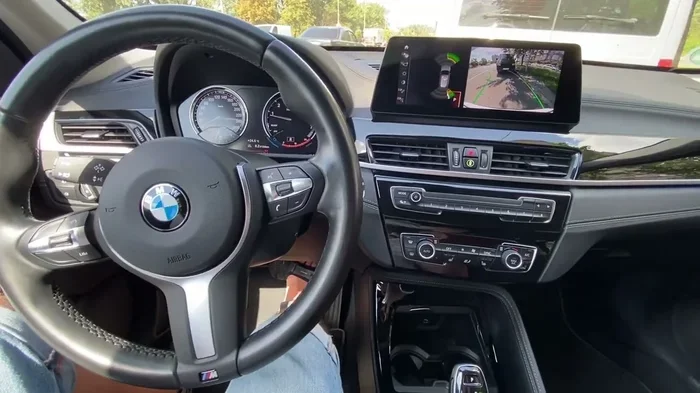
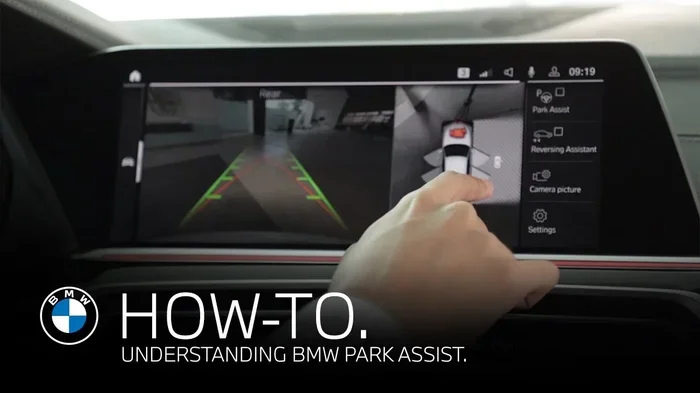
The front and rear parking sensors emit ultrasonic waves. They measure the distance to obstacles and sound an alert that gets faster as you approach. The rear view camera displays a live feed on the infotainment screen with dynamic guidelines that curve with the steering angle. Together they give you a full picture of the parking space.
Parallel Parking with Parking Assist Plus
If your X1 has parking assist plus, press the “P” button on the dashboard. Drive slowly past a suitable parking space until the system detects it. The screen will show a “Start” prompt. Confirm, then take your hands off the wheel. The car steers itself into the spot while you control the brake and accelerator. The system works for both parallel and perpendicular parking.
Perpendicular Parking Made Easy
For a straight‑in spot, align the car about one meter from the row of cars. Activate the parking assist plus as described above. The system will guide you into the bay, centering the vehicle between the lines. Keep your foot ready on the brake in case you need to stop early.
Engage the Parking Brake
After the car stops, pull the electronic parking brake lever or press the “P” button on the gear selector. This locks the rear wheels and prevents roll‑away on inclines. Always verify the “P” indicator lights up on the instrument cluster.
Understanding BMW X1 Parking Technology
Parking Sensors
The X1 comes standard with front and rear parking sensors. They cover a 180‑degree field and work at speeds under 10 km/h. The alerts are audible and visual on the display.
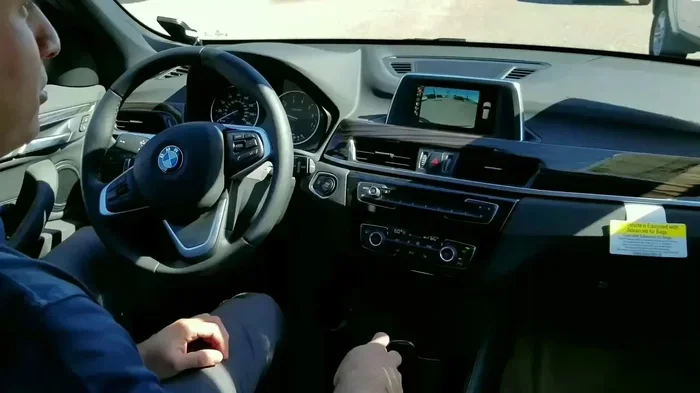
Visual guide about BMW X1 parking assist
Image source: i.ytimg.com
Rear View Camera
The rear view camera provides a wide‑angle view with dynamic parking guidelines. The lines move as you turn the steering wheel, showing the projected path.
Surround View Camera
Higher trims add a surround view camera that stitches images from four cameras into a bird’s‑eye view. This makes tight parking garage maneuvers much easier.
Parking Assist Plus
Parking assist plus can handle both parallel and perpendicular spots. It uses the sensors and cameras to calculate the steering angle and speed. The driver only manages the pedals.
Remote Parking (If Equipped)
On the M35i trim you can use the key fob or the BMW app for remote parking. Stand outside the car, press the button, and the X1 will drive itself into a detected spot. This is handy for narrow parking lot aisles.
Quick Tips for Parking the BMW X1
- Keep sensors clean: Wipe them with a soft cloth before each trip.
- Use the “P” button: It activates the full suite of parking aids instantly.
- Practice in an empty lot: Build confidence without traffic pressure.
- Adjust seat and mirrors: Proper positioning improves camera visibility.
- Listen to the beeps: Faster beeps mean you are very close.
- Don’t rush: Let the system finish its maneuver before you take over.
Common Mistakes to Avoid When Parking
- Ignoring sensor alerts: Overriding the beeps can lead to scrapes.
- Forgetting the parking brake: The car may roll on a slope.
- Dirty camera lens: A smudged lens gives a blurry view.
- Not checking blind spots: Sensors don’t cover every angle.
- Using assist on steep curbs: The system may misread the height.
- Skipping regular service: Uncalibrated sensors lose accuracy.
Expert Insights: Maximizing Parking Assist Features
BMW engineers recommend calibrating the parking distance control system once a year. A dealer can run a quick diagnostic that aligns the ultrasonic sensors and camera angles. If you notice the guidelines drifting, schedule a service visit. Also, the Eco Pro mode softens throttle response, which helps the car creep smoothly into tight spots. For more on Eco Pro, see what does Eco Pro do BMW genius guide.
Visual guide about BMW X1 parking assist
Image source: i.ytimg.com
Visual guide about BMW X1 parking assist
Image source: i.ytimg.com
Another tip: use the surround view camera when exiting a tight garage. The bird’s‑eye view shows the exact clearance on all sides. This reduces the risk of hitting low pillars or other cars.
Comparing Parking Features Across BMW X1 Trims
| Trim | Front & Rear Parking Sensors | Rear View Camera | Surround View Camera | Parking Assist Plus | Remote Parking |
|---|---|---|---|---|---|
| sDrive18i | Standard | Standard | Optional | Optional | No |
| xDrive20i | Standard | Standard | Standard | Standard | No |
| M35i | Standard | Standard | Standard | Standard | Yes |
The table shows that the M35i offers the full suite, including remote parking. The xDrive20i adds surround view camera and parking assist plus as standard. The base sDrive18i requires optional packages for the advanced features.
Maintaining Your Parking System
Regular maintenance keeps the parking sensors, cameras, and assist software working correctly. During a scheduled service, technicians clean the sensor lenses, update the camera calibration, and run a self‑test of the parking assist plus module. Learn what’s included in a BMW service at what does BMW service include essential guide.
If you drive in winter, remove ice from the sensors before each trip. Ice can block the ultrasonic waves and cause false alarms. A quick wipe with a de‑icer spray solves the problem.
Tire condition also affects parking precision. Worn or under‑inflated tires change the vehicle’s turning radius. For details on run‑flat tires that maintain shape after a puncture, read BMW run‑flat tires design benefits and care.
Conclusion
Mastering how to park BMW X1 is a matter of knowing the tools at your fingertips. Use the parking sensors, rear view camera, and parking assist plus to handle any spot. Remember to engage the parking brake, keep the sensors clean, and schedule regular service. With practice, you’ll glide into parallel, perpendicular, and even remote parking situations with confidence.
Frequently Asked Questions
What parking sensors does the BMW X1 have?
The BMW X1 comes with front and rear ultrasonic parking sensors as standard. They detect obstacles up to 1.5 meters away and provide audible and visual alerts.
Can the BMW X1 park itself without driver input?
Yes, with the optional Parking Assist Plus the X1 can steer into parallel or perpendicular spaces while you control only the brake and accelerator. The M35i trim also offers remote parking via the key fob or app.
How do I activate the rear view camera?
Shift into reverse gear. The camera feed appears automatically on the central display with dynamic guidelines that follow the steering angle.
Why does my parking sensor beep constantly?
Constant beeping usually means a sensor is dirty, covered in ice, or damaged. Clean the sensor lenses and check for obstructions. If the issue persists, have a dealer run a diagnostic.
Does the parking brake engage automatically?
The electronic parking brake engages when you press the “P” button on the gear selector or pull the lever. It does not engage automatically when you stop; you must activate it manually.
What maintenance keeps the parking assist accurate?
Annual sensor cleaning, camera calibration, and software updates during regular BMW service keep the system precise. Also maintain proper tire pressure and tread depth for consistent handling.