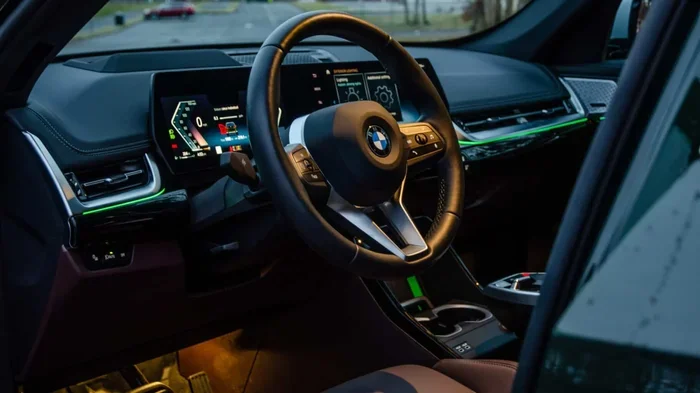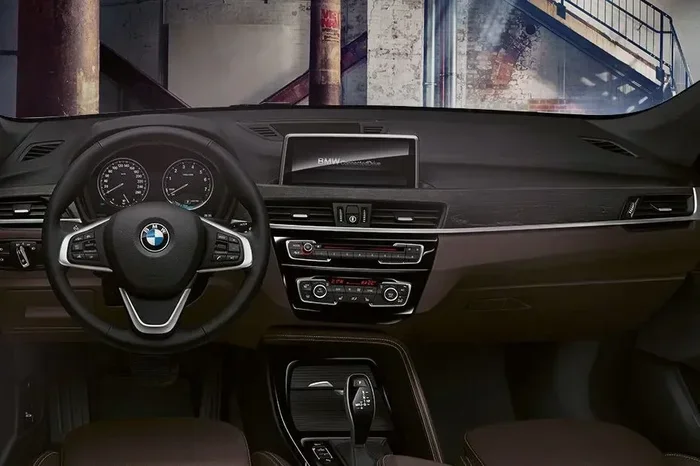
Featured image for BMW X1 dashboard interior
Image source: imgcdn.oto.com
How to turn off radio in BMW X1 is simple once you know the controls. You can mute the audio using the iDrive knob, the steering wheel buttons, or a voice command. This guide walks you through each method so you can enjoy silence instantly.
If you own a BMW X1, you already know the infotainment system is packed with features. But sometimes you just want quiet. Knowing how to turn off radio in BMW X1 saves you from fumbling with menus while driving. This article covers every built‑in method, plus troubleshooting tips and expert advice.
We’ll start with the basics of the BMW X1 infotainment system, then walk through each control option step by step. You’ll also find a quick comparison table, common mistakes, and a few pro tips to make the process second nature.
Key Takeaways
- Multiple ways to mute: iDrive, steering wheel, voice, and power button all work.
- iDrive is the most precise: Navigate to the audio menu and select “Off” or “Mute.”
- Steering wheel controls are fastest: Press the mute button for instant silence.
- Voice command works hands‑free: Say “Turn off radio” or “Mute audio.”
- Power off the car shuts everything down: Useful when you leave the vehicle.
- Check key fob battery if radio stays on: A weak fob can keep the system awake.
- Consult the owner’s manual for model‑specific quirks: Some X1 trims have unique menus.
📑 Table of Contents
How to Turn Off Radio in BMW X1: Step-by-Step Methods
Using the iDrive Controller
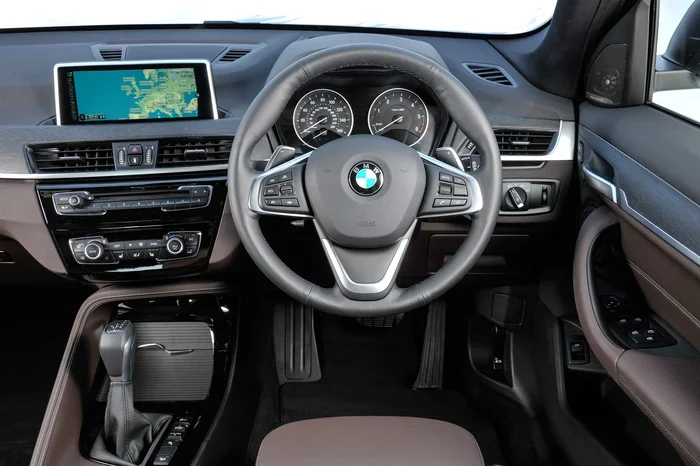
The iDrive knob sits on the center console. It’s the primary way to interact with the BMW X1 audio settings.
- Press the iDrive knob to open the main menu.
- Rotate until you highlight Media or Radio.
- Press the knob again to enter the audio source screen.
- Select Off or Mute from the on‑screen options.
- The sound stops immediately; the display may show “Audio Off.”
Tip: If you only want to silence the radio but keep navigation prompts, choose Mute instead of Off.
Using Steering Wheel Controls
Most X1 models have dedicated audio buttons on the left spoke.
- Mute button (speaker icon with a line) – press once to mute, press again to unmute.
- Volume roller – roll down to zero for a quick fade out.
- Source button – cycle through sources until you land on “Off.”
This method is the fastest when you’re moving. No need to look at the screen.
Using Voice Commands
BMW’s voice assistant understands natural language. Activate it by pressing the voice button on the steering wheel (usually a microphone icon).
- Say “Turn off radio” or “Mute audio.”
- The system confirms and silences the sound.
- You can also say “Switch to Bluetooth” if you want to change source instead.
Voice control is ideal for hands‑free operation, especially on the highway.
Turning Off the Radio via the Power Button
When you shut off the engine, the infotainment system powers down automatically.
- Press the Start/Stop button to turn off the engine.
- Wait a few seconds; the screen goes dark and the radio stops.
- If you leave the car in accessory mode, the radio may stay on. Press the Power icon on the screen to force shutdown.
This is the ultimate “off” method, but it also ends climate control and other accessories.
Using the Infotainment Menu to Mute Audio
Some drivers prefer the on‑screen menu over hardware buttons.
- Tap the Home icon on the touchscreen (if equipped) or use iDrive to reach Settings.
- Navigate to Sound > Volume.
- Drag the master volume slider to zero or toggle the Mute switch.
This gives you visual confirmation of the volume level.
Comparison of Radio‑Off Methods
| Method | Steps | Speed | Ease of Use | Best For |
|---|---|---|---|---|
| iDrive Controller | 4‑5 clicks | Medium | High (visual) | Precise control, passengers |
| Steering Wheel Buttons | 1‑2 presses | Fast | Very High | Driving, quick mute |
| Voice Command | 1 voice phrase | Fast | High (hands‑free) | Highway, safety |
| Power Button / Ignition Off | 1 press + wait | Slow | Medium | Leaving vehicle |
| Touchscreen Menu | 3‑4 taps | Medium | Medium | Visual learners |
Troubleshooting Common Radio Issues
Sometimes the radio refuses to turn off. Here are the most frequent culprits and fixes.
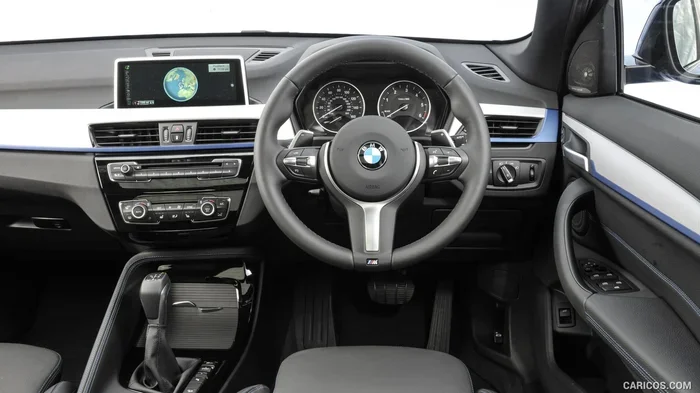
Visual guide about BMW X1 dashboard interior
Image source: images.caricos.com
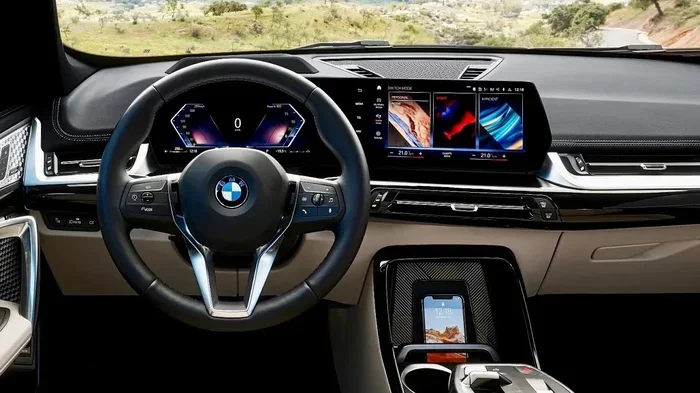
Visual guide about BMW X1 dashboard interior
Image source: i.ytimg.com
Radio Stays On After Engine Off
If the infotainment remains active in accessory mode, check the Auto Power Off setting in Settings > General. Enable it so the system shuts down after a set timeout.
Mute Button Not Responding
A stuck steering wheel button can happen after a spill. Clean around the button with a soft cloth. If it persists, a dealer visit may be needed.
Voice Command Not Recognized
Ensure the microphone isn’t blocked. Speak clearly and use the exact phrase “Turn off radio.” Update the voice‑recognition software via the BMW ConnectedDrive app if available.
Key Fob Battery Low
A weak fob can keep the car in a “ready” state, preventing the radio from powering down. Replace the battery using a key fob battery replacement guide.
Software Glitch
Restart the infotainment by holding the Power button on the screen for 10 seconds. This forces a reboot without affecting vehicle settings.
Quick Tips for Everyday Use
- Assign a favorite button to “Mute” in the iDrive shortcuts for one‑press access.
- Use the Do Not Disturb mode (if equipped) to silence all audio alerts automatically.
- Keep the owner’s manual in the glovebox for model‑specific menu maps.
- Regularly update the iDrive software via USB or OTA to avoid bugs.
- If you frequently switch between radio and Bluetooth, set the default source to “Off” in Settings > Media.
Common Mistakes to Avoid
- Holding the volume knob down instead of pressing the mute button – this only lowers volume, not fully off.
- Assuming the radio turns off when you open the door – it stays on in accessory mode.
- Ignoring a low key fob battery – it can cause the system to stay awake.
- Using the voice command “Stop music” – the system may pause but not mute the radio tuner.
- Forgetting to disable Auto Start for the radio in the settings menu.
Expert Insights
BMW technicians recommend checking the BMW service guide during regular maintenance. A software update often resolves persistent audio issues. Also, review your BMW warranty coverage – infotainment repairs may be covered under the electronics warranty.
Visual guide about BMW X1 dashboard interior
Image source: carwow-uk-wp-3.imgix.net
One senior BMW master tech told me, “The iDrive system is robust, but the mute function is the most used. Keep the controller clean and the software current.”
Conclusion
You now have a complete toolkit for how to turn off radio in BMW X1. Whether you prefer the iDrive knob, steering wheel buttons, voice commands, or simply shutting off the engine, each method works reliably. Remember to keep your key fob battery fresh, update the infotainment software, and consult the owner’s manual for any model‑specific nuances. With these steps, silence is just a button press away.
Frequently Asked Questions
How do I mute the radio quickly while driving?
Press the mute button on the left steering wheel spoke. It instantly silences audio without navigating menus.
Can I turn off the radio using voice commands?
Yes. Activate the voice assistant and say “Turn off radio” or “Mute audio.” The system will confirm and stop playback.
Why does my radio stay on after I turn off the engine?
The car may be in accessory mode. Enable “Auto Power Off” in Settings > General, or press the on‑screen power icon to force shutdown.
Does a low key fob battery affect the radio?
A weak fob can keep the vehicle’s electronics awake, preventing the radio from powering down. Replace the fob battery to resolve it.
Is there a way to set the radio to off by default?
In Settings > Media, you can set the default audio source to “Off” so the radio doesn’t start automatically on ignition.
Where can I find the official BMW X1 infotainment manual?
The owner’s manual PDF is available on the BMW website or via the My BMW app. It includes detailed menu maps for your specific model year.